
DLNACaster
Turn your Apple TV into a DLNA receiver. Cast video straight from the apps on your phone — over your own Wi-Fi, no cables and no accounts.
Download on the App Store Coming soon to the Apple TV App Store.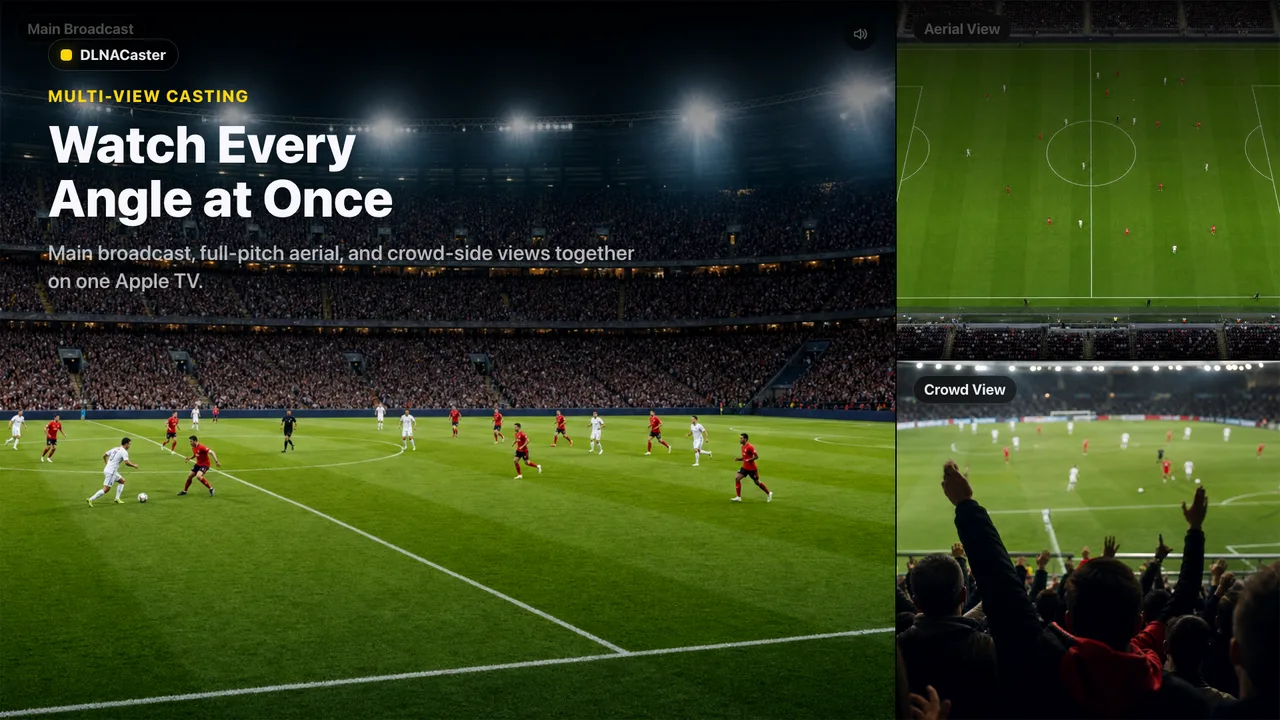
What it does
Cast from your phone
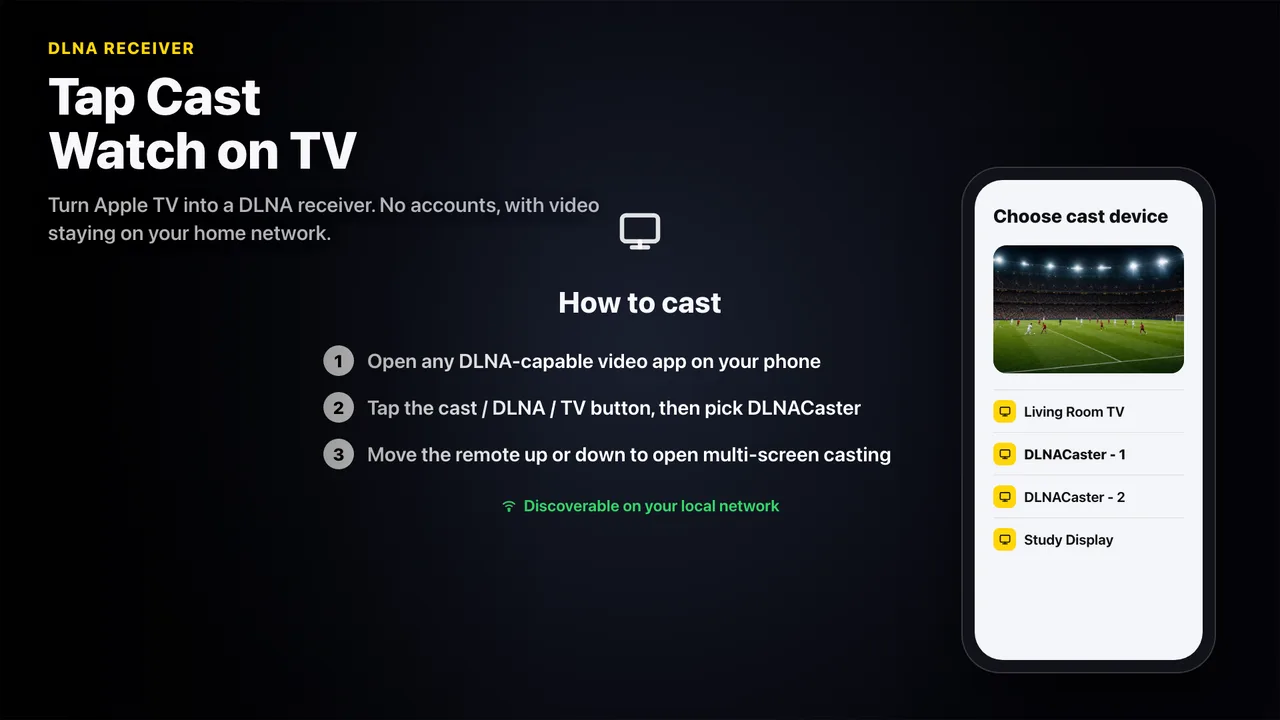
Send video from DLNA-enabled apps to the big screen with a single tap.
Multi-screen
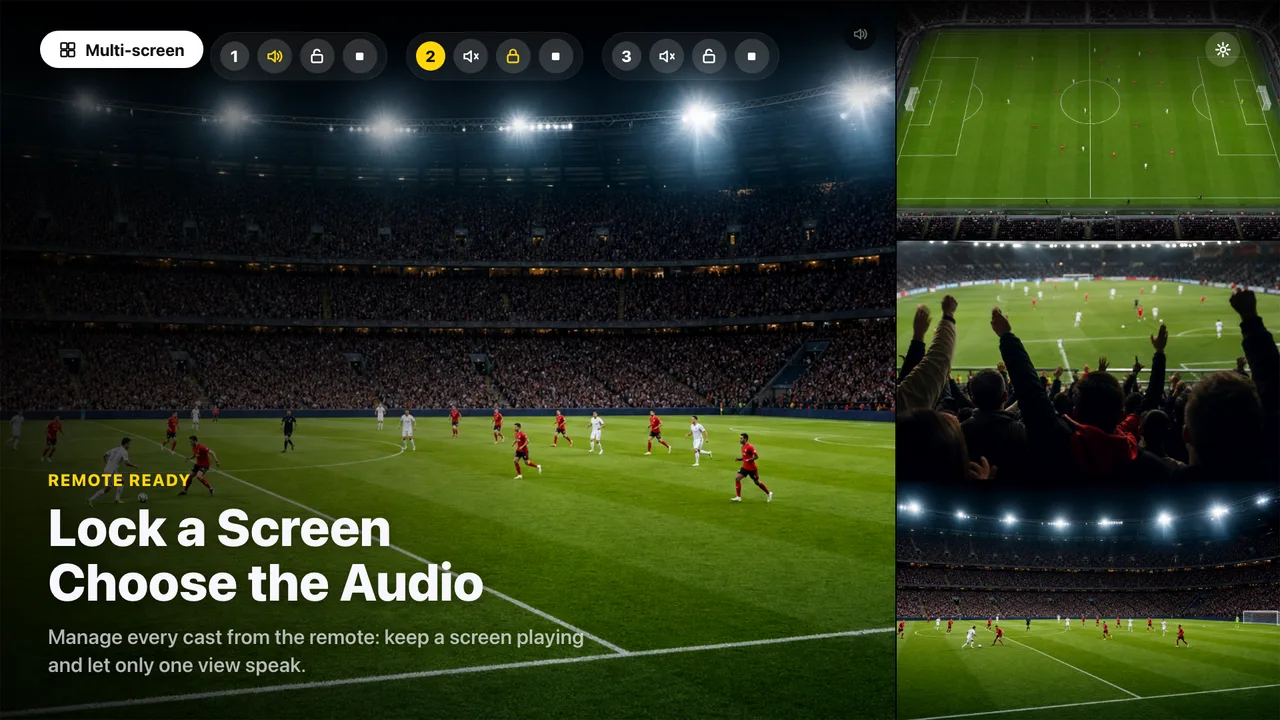
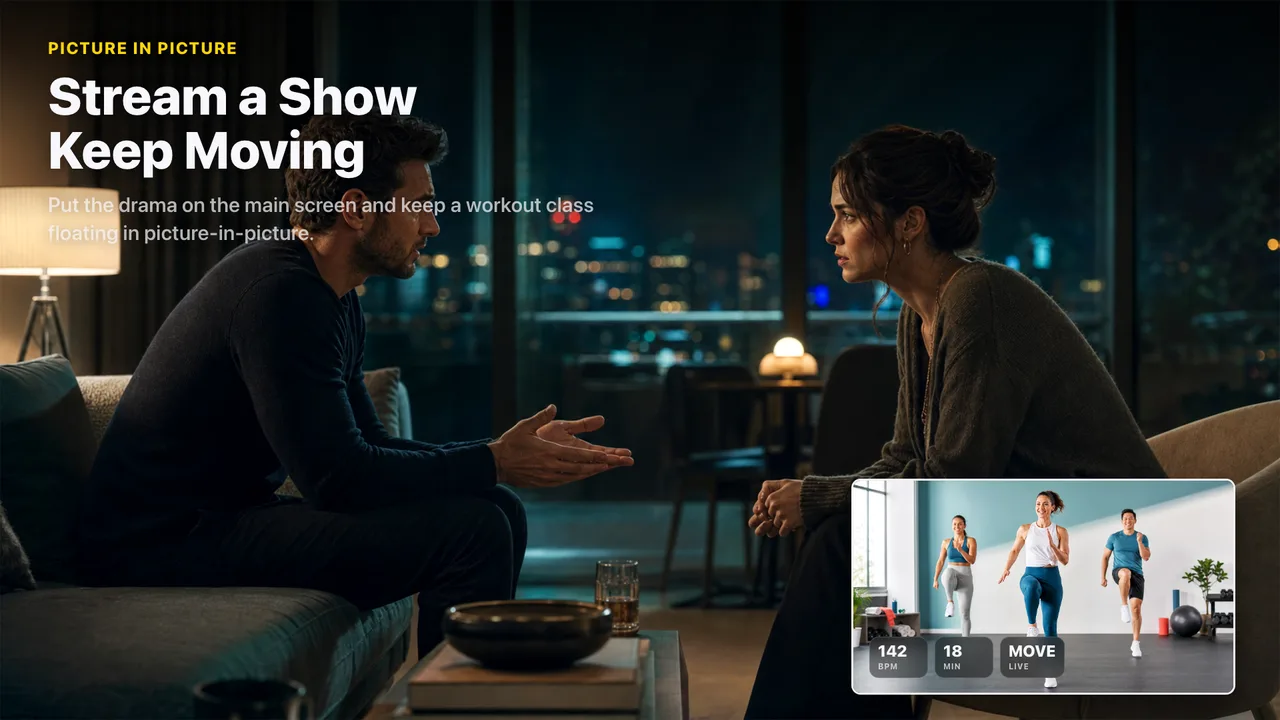
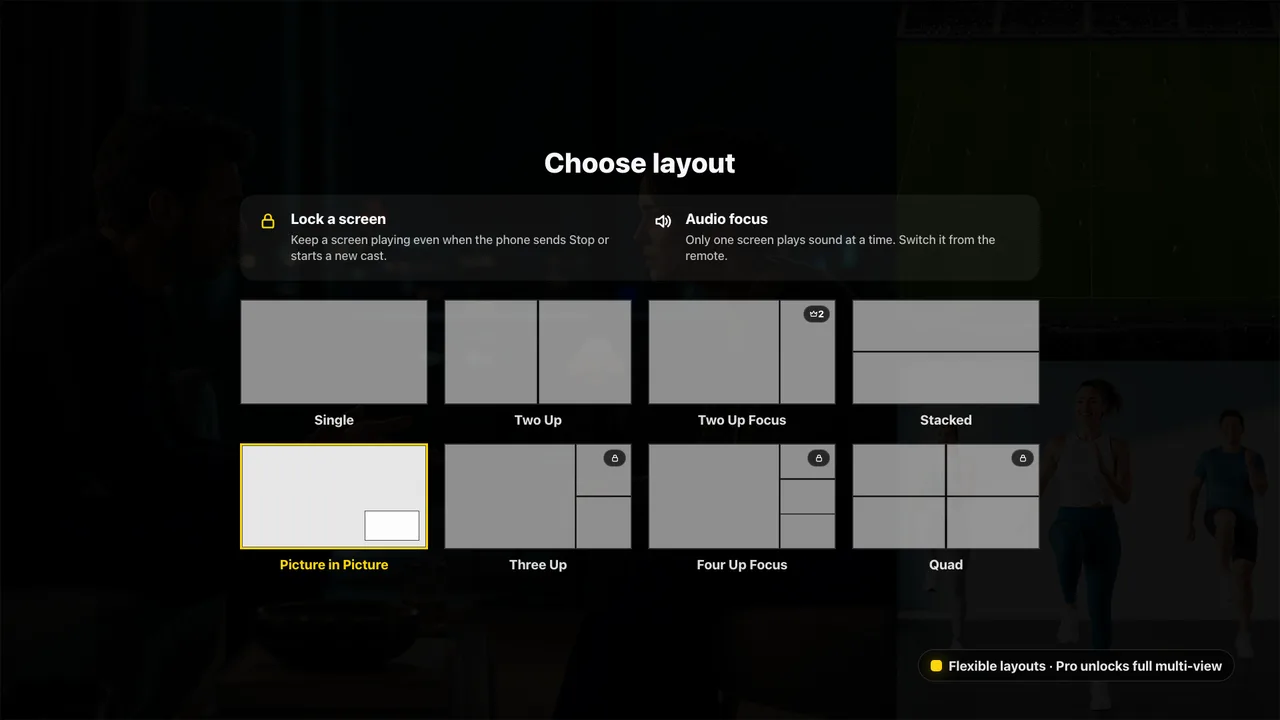
Watch up to four streams at once with flexible Two-Up, Three-Up and Four-Up layouts.
Private by design
The video you cast stays on your local network. No sign-in, no ads, no cross-app tracking.
How it works
Open DLNACasterLaunch the app on your Apple TV and leave it on screen.
Tap cast on your phoneIn any DLNA-capable video app, tap the cast / screen-mirroring icon.
Pick your Apple TVChoose “DLNACaster” from the device list and your video appears instantly.
Free to cast. Pro to multitask.
Free
Single-screen casting and playback, always free — plus a free daily trial of split-screen multitasking.
DLNACaster Pro
A one-time purchase that unlocks unlimited multi-screen layouts. No subscription.